Skip to content
← Portfolio

Case study  /  Internal tools  /  JPMorgan Chase

One card, two accounts, one clear screen.

When Chase launched the Disney Rewards Redemption Card, the people answering the phone needed a way to make sense of it. I designed the servicing tools in One Chase Service, the internal screen that call centers and help desks use to help customers.

Client
JPMorgan Chase · One Chase Service
Role
Senior UX Designer, internal services design team
Users
Call-center and help-desk specialists
Scope
Landing page, service workflows, UX and UI design, hand-off in Figma
Status
Designed, handed off and built
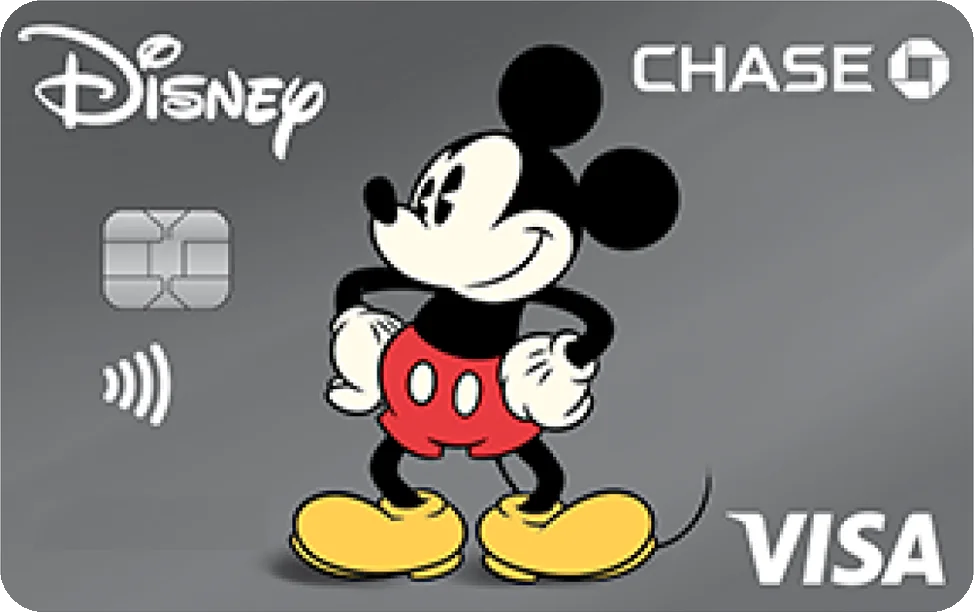
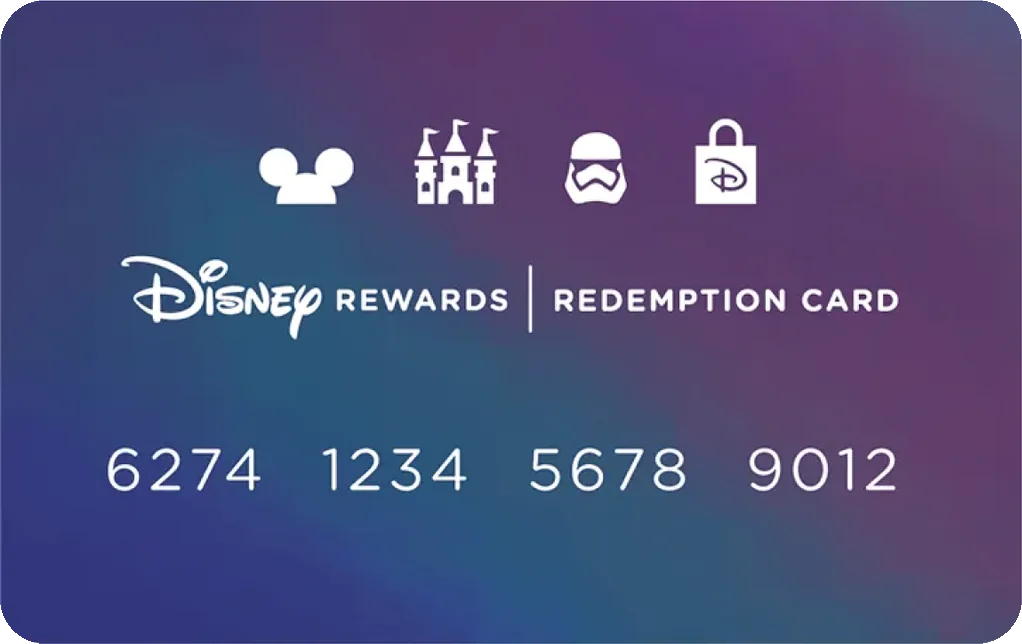
The Disney Visa from Chase, with Mickey Mouse artworkThe Disney Rewards Redemption Card, a digital-first card
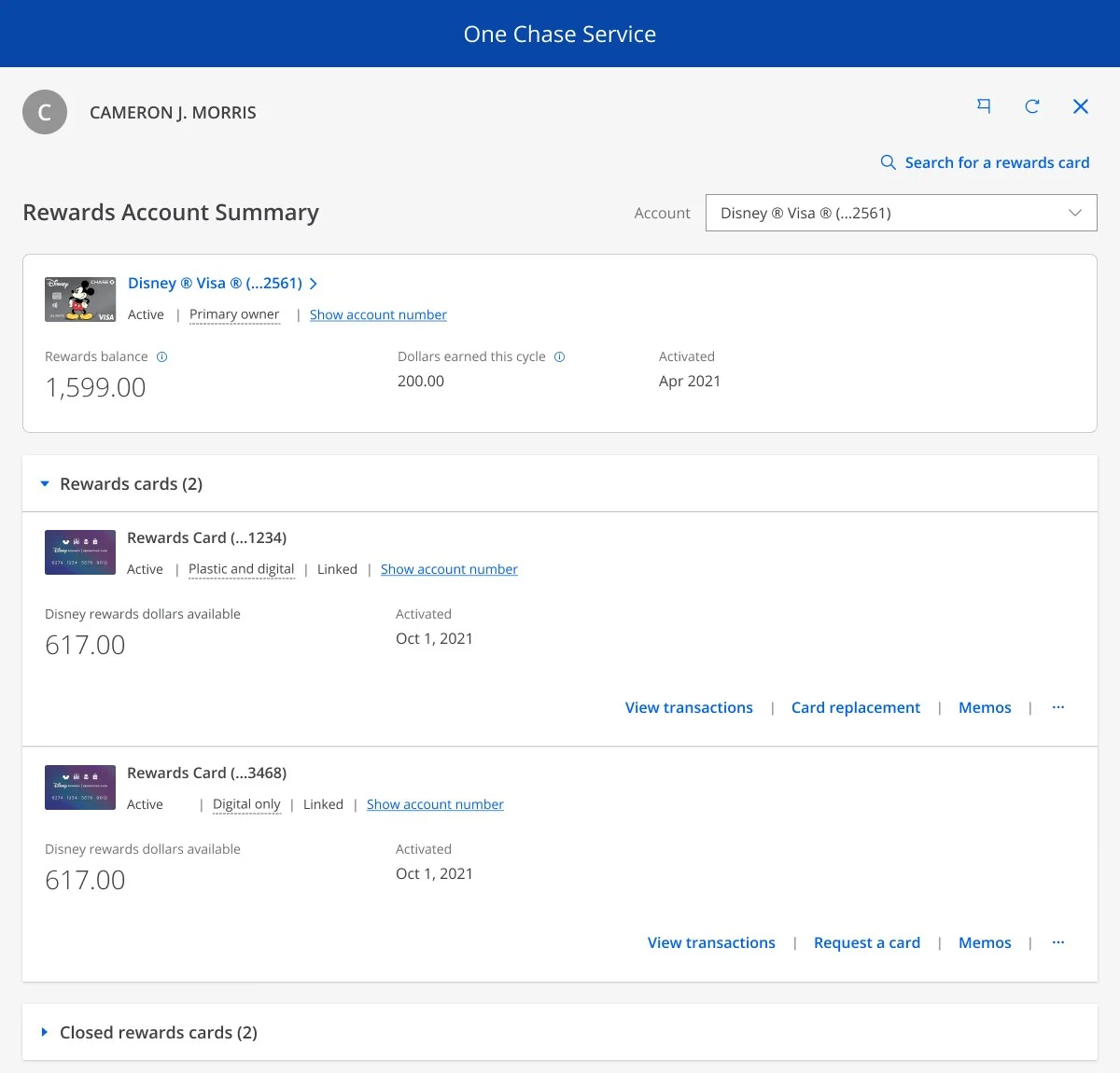
The Rewards Account Summary landing page in One Chase Service, showing a Disney Visa and two rewards cards

01 / The context

A card that lives in two worlds.

The Disney Rewards Redemption Card is a digital-first card that works only at Disney merchants. It sits on its own rewards account, apart from the Disney Visa that earns the rewards, and it keeps its value even after the Visa is closed.

The rules are tight, and specialists had to explain them on a live call. A card also had to be found, replaced, activated or authorized, and none of those jobs could confuse the rewards card with the Visa.

2

rewards accounts per Disney Visa

8

digital cards per account

1

plastic card per account

How the Visa, the rewards accounts and the cards relate

02 / The challenge

Make a complicated product simple for the person on the phone.

Specialists use One Chase Service all day, mid-call, with a customer waiting. The screens had to make the product’s rules obvious and still feel like the tool they already knew.

01

Say what it is

Make it clear that you’re working on a rewards card, not the Visa. Disney asked for “Disney Rewards Dollars” with no dollar sign, and we added plain definitions for plastic and digital cards.

02

Reuse what specialists know

The same search patterns and the same UI, with the customer’s name in the header and one date format throughout. A new product shouldn’t mean a new way of working.

03

Happy path first

We aimed at the happy path and wrote errors and variants as separate stories, so the core flows could be designed and built on a steady schedule.

03 / The landing page

One page for the whole card.

Specialists land on a Rewards Account Summary. The Disney Visa sits at the top, the rewards cards sit beneath it, and each shows its balance, status and the actions a specialist is most likely to need.

01

Count what’s open

Rewards cards sit in one accordion with a count, so a specialist sees how many are open before reading a line. Closed cards fold away under their own heading.

02

One size for every card

The Visa and the rewards cards share a single card size, so neither one feels like the main event.

03

Actions in one row

View transactions, replacement and memos sit in a single row, separated by pipes, with an overflow menu for the rest.

04

A quiet header

The customer’s name, an account drop-down and a search link sit at the top, in the patterns specialists already use.

The landing page, in One Chase Service. Customer shown is sample data.

04 / The workflows

Mapped before it was drawn.

A specialist might need to do a lot with one card. I mapped the MVP workflows on a single journey map, colored by type: action and results, activation, and security. A second map showed which ones already had designs.

The MVP workflows
Concept designs: shaded steps had designs, white steps did not yet

01

Card replacement

Follows the current flow, with a reason for replacement. If the customer doesn’t recognize the transactions, the call is handed to Guest Services. On-site pickup asks for the card number to validate.

02

Card activation

Cards waiting for activation show up on the landing page, next to the actions a specialist is most likely to need.

03

Found card

Usually a merchant finds a card and calls. The caller type is known up front, so specialists never ask “are you the cardholder?”. The view is read-only, and the card can be locked or unlocked from One View.

04

Manual authorization

A merchant ID is required and is checked quietly as the specialist tabs out, with the limit shown in microtext. It ends on a confirmation page with an authorization number to give the cast member.

05

Memos

System-generated notes on the account, with search and pagination and no author. There are no free-form memos, because the new card processor doesn’t support them.

06

Cancel plastic and close account

Canceling plastic gets one clear action and an exit. Closing a rewards account adds a confirm step: “Are you sure?”

07

Bulk order

Only the Disney team specialists see it, and there is no customer in context. Choose an address, pick a standard quantity of 500, 1,000 or 10,000, and modify or cancel the order.

08

Search for a rewards card

A search link at the top of the page finds a card directly, reusing the search patterns specialists already know.

Orphaned cards: the Visa closes, the rewards card stays

05 / The edge case

The card that outlives its account.

When a customer closes their Disney Visa, the rewards card doesn’t disappear. It becomes an orphaned card. It keeps its value and doesn’t expire, but it has no Visa to anchor it. Specialists still had to find it and help the customer, without the usual account to authenticate against.

So orphaned cards got their own path, with a simpler check built on what’s on file.

01

Verify the name and address

Specialists check the name and the address on file, not the current address.

02

If it fails, go back to First Assist

First Assist is the tool’s full-authentication step, the first stop for security.

03

If it passes, service the card

The page includes content that explains what an orphaned card is, so the specialist can explain it to the customer.

06 / The working notes

Where the decisions got made.

I take notes by hand. These pages are from the kickoff and the RM2 working sessions, where the scope, the edge cases and the wording of the screens were settled.

Kickoff: Disney Rewards Dollars, orphaned cards, First Assist
RM2: memos, manual authorization, merchant IDs
RM2: caller type, orphaned cards, search

01

A clear order

The first four designs were due in a set order: the landing page, the rewards card in context, the bulk order and the orphaned card.

02

A steady rhythm

Designs were delivered twice a week, on Mondays and Tuesdays, with a design review alongside.

03

Desk checks

A story wasn’t closed out until its desk check was noted in JIRA.

07 / The outcome

Designed, handed off, built.

The landing page and the service workflows shipped in One Chase Service, where specialists use them to help customers with their Disney rewards.

What I took from it

01

Start with the product’s rules

Two accounts, eight digital cards and one plastic one. Once the rules were drawn as a map, the screens were easier to design and easier to explain.

02

Words are part of the interface

A client asking for “Disney Rewards Dollars” instead of a dollar sign is a design requirement. Language belongs in the review, not after it.

03

Design the edge case on purpose

Orphaned cards were an edge case, and exactly where a specialist most needs the screen to explain itself.